Small recurring charges add up quietly. A subscription audit takes about 30 minutes: find every recurring charge, decide what to keep, and cancel the rest the right way. Here is a simple method.
Step 1: Find every recurring charge
- Search two to three months of bank and card statements for repeating amounts.
- Check your phone’s app store subscription settings.
- Search your email for “receipt”, “renewal” and “trial”.
- Look for annual renewals too — they are easy to forget.
Step 2: List and total them
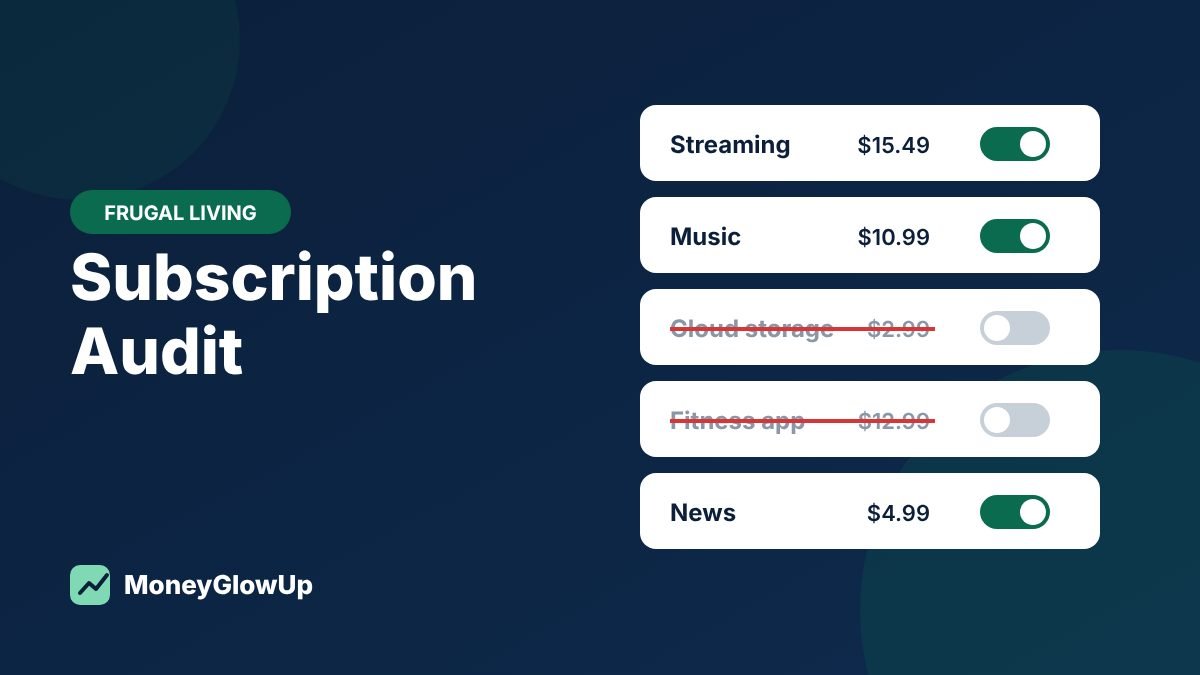
Illustrative example (made-up numbers): one person’s audit
| Subscription | Monthly | Used in last 30 days? | Decision |
|---|---|---|---|
| Video streaming #1 | $15.49 | Yes | Keep |
| Video streaming #2 | $9.99 | No | Cancel |
| Music | $10.99 | Yes | Keep |
| Cloud storage | $2.99 | Yes | Keep |
| Fitness app | $12.99 | No | Cancel |
| News site | $4.00 | Rarely | Pause |
Total: $56.45 a month ($677.40 a year). Cancelling two unused services saves $22.98 a month — about $275.76 a year.
Step 3: Decide — keep, downgrade, rotate or cancel
| Option | When it makes sense |
|---|---|
| Keep | You use it often and value it |
| Downgrade | A cheaper or ad-supported tier covers what you use |
| Rotate | Subscribe to one service at a time and switch every few months |
| Cancel | Unused for a month or more |
Step 4: Cancel the right way
The FTC recommends following the company’s cancellation instructions, keeping a copy of your request and any confirmation, and watching your statements afterward. If you are charged without consent and the company won’t refund you, you can dispute the charge with your card issuer.
Step 5: Avoid the next surprise
- Before starting a free trial, note the end date and how to cancel.
- Uncheck pre-checked boxes that authorize future charges.
- Read renewal notices — promotional prices often end.
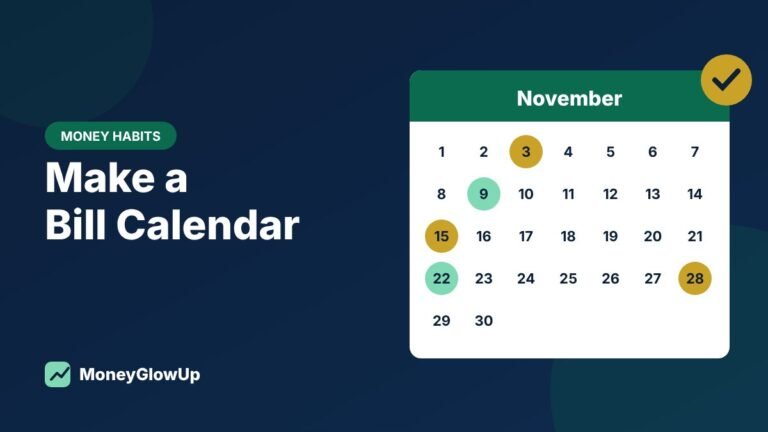
- Add renewal dates to your bill calendar.
Where subscriptions hide
| Place | What to look for |
|---|---|
| Bank and card statements | Repeating charges, often with unclear names — search the name online if you don’t recognize it |
| Phone app stores | Subscriptions billed through your Apple or Google account |
| “Receipt”, “renewal”, “your trial is ending”, “membership” | |
| PayPal and other payment apps | Automatic payments you authorized there |
| Bundles and add-ons | Extras added to phone, internet or streaming plans |
Common mistakes
- Deleting the app instead of cancelling. Removing an app usually does not stop the subscription.
- No proof of cancellation. Keep the confirmation email or a screenshot.
- Cancelling something you’ll re-buy next week. Downgrading or rotating can save money without the hassle.
- Doing it once. Repeat the audit every few months — new charges creep back in.
Frequently asked questions
What if I don’t recognize a charge?
Search the merchant name from your statement, check your email for receipts, and contact the company. If it is unauthorized, contact your bank or card issuer.
What if a company makes cancelling difficult?
Follow its instructions, keep records of your attempts, and watch your statements. If you are charged without your consent, you can dispute the charge with your card issuer. The FTC page below explains your options.
How often should I do a subscription audit?
Every three to six months, and before the end of any free trial.
Put the savings to work
Redirect what you save into your emergency fund or a sinking fund the same day you cancel — otherwise the money tends to disappear into other spending.
Sources
- Federal Trade Commission — Getting In and Out of Free Trials, Auto-Renewals, and Negative Option Subscriptions (accessed Oct 29, 2026)